
Learn Microsoft Excel with our Online Training Course that includes everything for one price (including new and updated content we create):
- Open and Understand Spreadsheets
- Creating and Editing Spreadsheets
- Formulas, functions and formatting
- Viewing and printing
- Charts & Graphs
- Intermediate Functions and cell referencing
- Databases, filter/sort, named ranges
- Pivot tables, 3D formulas, Advanced Formulas and protection
- Goal Seek, data consolidation and Solver
No more Classroom Training in Sydney
Our online Microsoft Excel training courses have been online since 2007 after we closed the last of our three training centres in Sydney (Dee Why, Gordon and Parramatta). Our Excel training courses are designed and created so you can progress through each of the 9 micro courses in about 3-4 hours (depending on your current skill level).
We designed our courses this way because that is how people learn – in short sessions. You can complete each Micosoft Excel Micro Course in the morning and then get on with the rest of your life, or completed it at the end of the day.
Thorough, well-designed and supported Online Courses
Our courses have been updated continuously since 1996 so they are detailed, thorough and up-to-date. These courses include
- training manuals with step-by-step exercises (downloadable in a PDF format)
- exercise files for you to open, use and modify (not locked or protected)
- video tutorials of between 2-5 minutes (to cover very specific topics)
- the video tutorials explain how to use the software to complete the exercises (not just a talking head)
- knowledge review assessment tests (to re-enforce your knowledge of important parts of each course).
- support via phone, sms, email or website chat (when you need it)
- a 30 day money back guarantee (because we are very confident)
Microsoft Excel Beginners Training Courses
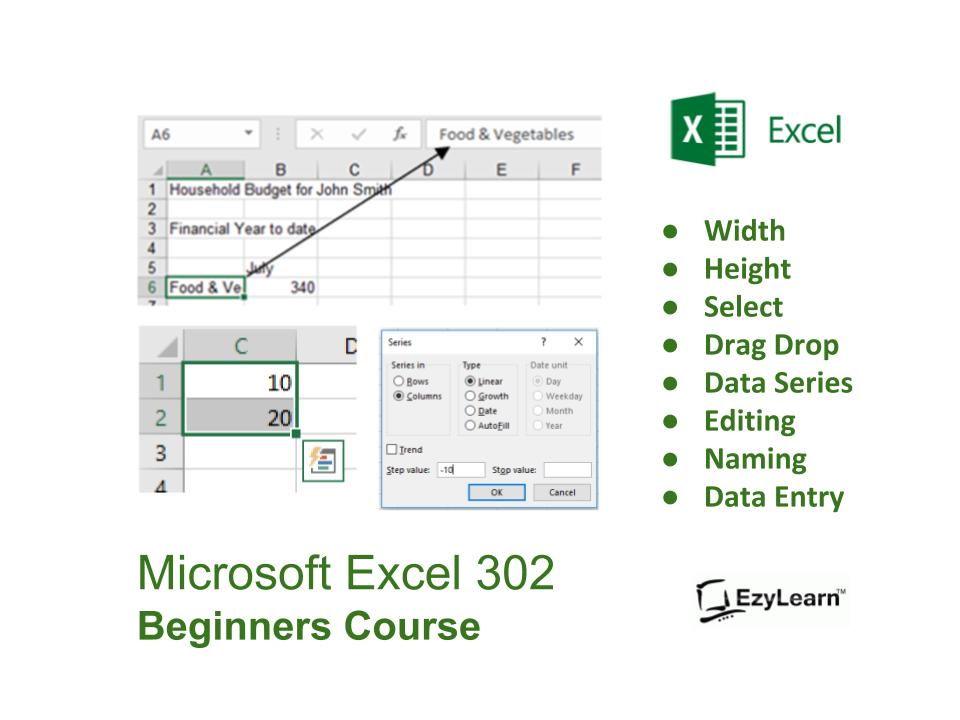
The Certificate in Excel Beginners course will give you confidence moving around and navigating existing spreadsheets for the main purposes of tables with formulas, database lists and charts that explain the data.
- Course 301 – Open and Understand Spreadsheets
- Course 302 – Creating and Editing Spreadsheets
- Course 303 – Formulas, functions and formatting
Microsoft Excel Intermediate Training Courses
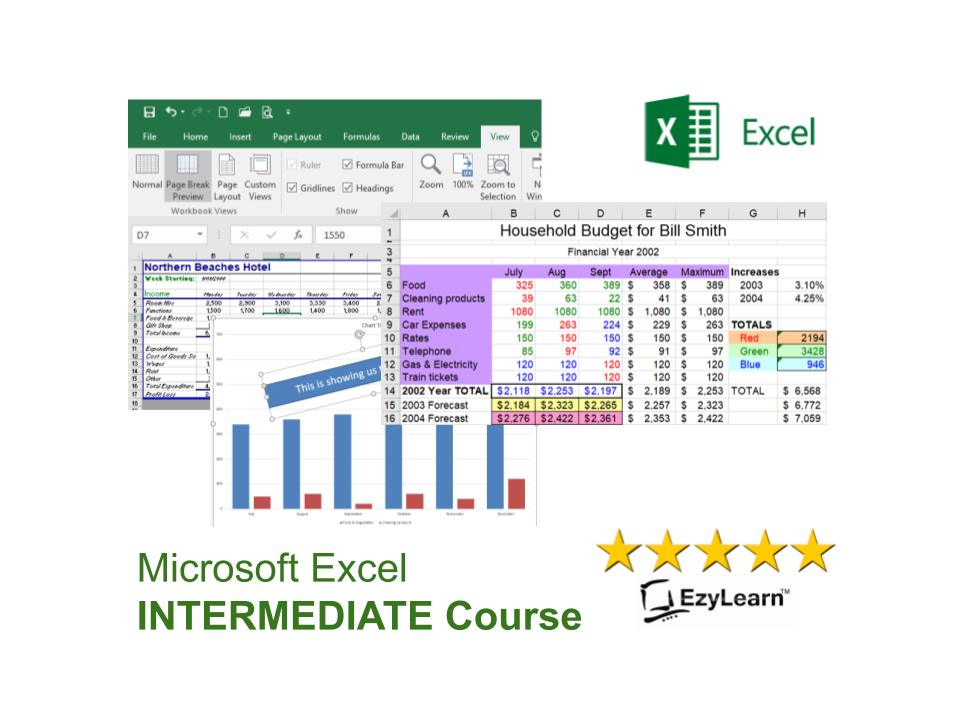
The Intermediate Certificate in Microsoft Excel will take you beyond the basic formulas to create common and complex calculations using a variety of popular formulas and functions. You’ll be able to present the information in a professional format both on paper as well as visually through professional graphs and charts.
- Course 304 – Viewing and printing
- Course 305 – Charts & Graphs
- Course 306 – Intermediate Functions and cell referencing
Microsoft Excel Advanced Training Courses
- Course 307 – Databases, filter/sort, named ranges
- Course 308 – Pivot tables, 3D formulas, Advanced Formulas and protection
- Course 309 – Goal Seek, data consolidation and Solver
Microsoft Excel Training Course Outline:
Below is a summary of the topics covered in the short Excel courses that make the full suite of beginners to advanced training courses in Microsoft Excel.
Microsoft Excel Training Course 301 – Open and Understand Spreadsheets
The Excel screen including
- toolbars,
- formula bar,
- name box,
- column and row headings,
- sheet tabs,
- uses for Excel (Worksheet, Database & Charting).
Learn how to move around and apply features in a spreadsheet by
- using both keyboard & mouse,
- moving between workbooks
- Selecting (or highlighting) cells,
- Working with columns, rows & entire spreadsheets.
- Entering information into workbooks and resizing columns.
Microsoft Excel Training Course 302 – Creating and Editing Spreadsheets
Selecting information:

- Understanding the mouse cursors used within Excel,
- how to select cells, columns and rows and multiple ranges of information,
- how to select cells using the keyboard.
Copy and Paste:
- Drag and drop, cut, copy and paste in a worksheet and
- from one worksheet to another and even
- between different software programs.
Editing cells:
- Typing and entering information,
- editing existing information and entering the changes,
- using the status bar information,
- escaping out of cells.
- Changing column width and row height for single and multiple columns as well as
- making all the columns the same width and using AutoFit.
Database:
- Creating a simple database,
- understanding simple database structure (ideal knowledge for mail merge with Microsoft Word),
- Inserting and deleting columns, using Undo and redo options.
Autofill:
- Automatically fill numbers, dates, number patterns, days, months and years and much more.
- Fast ways to insert sequential numbers and words.
- Understanding date formatting (this forms the basis for future calculations based on date format).
Microsoft Excel Training Course 303 – Formulas, functions and formatting
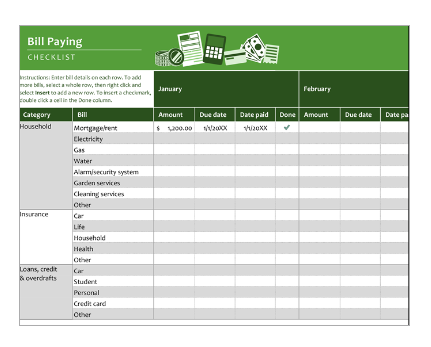
Formulas:
- Entering formulas using the keyboard, arrow keys and the mouse,
- understand the importance of relative cells references,
- common formula errors,
- using multiplication and division and how to combine two formulas in one.
AutoCalculate:
Get quick additions and basic functions quickly without having to enter formulas.
Functions:
- Introductions to functions and function syntax,
- Autosum, Autosum for several and selected ranges and an
- introduction to other basic functions like Maximum, Minimum, Average and more
- Sum function in more detail,
- using the formula bar and editing functions,
- using the F2 key,
- using Autofill to save a lot of time copying (or filling)
- functions using relative cell references.
Formatting:
- This effects the way your spreadsheet looks, everything from
- lines, colours, shading, and even the format of text and numbers.
- Currency formatting,
- date and text formatting,
- merging cells and centering,
- Alignment formatting and text control within single and  merged cells,
- fill colour, font colour and Borders.
- Advanced formatting: Autoformats that allow you to quickly make your spreadsheet look very professional,
- repeat last action, and
- format painter make it faster for you to duplicate commands and formatting,
- using format painter with entire spreadsheets to apply multiple formatting in just a couple clicks.
Microsoft Excel Training Course 304 – Viewing and printing
Views:
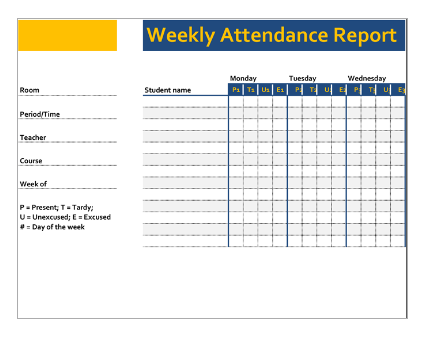
There are several ways you can view your spreadsheet on the screen and each has its own purpose. The most important thing to note is that none of these views affect the way your spreadsheet prints. Topics include:
- Zoom (set and custom),
- Print Preview and page break preview versus Normal view.
- Page Setup: Including page orientation,
- Scaling and margins, and changing these settings.
Print areas:
- Setting and clearing defined print areas,
- understanding the difference between default and set page breaks,
- Inserting and moving page breaks,
- Changing the print order of pages,
- centering the spreadsheet when printing and showing/hiding gridlines and headers.
Introduction to headers and footers, using preset and custom headers and footers, including the use of file information and common fields.
Freezing and Repeated Rows:
Freezing panes when viewing so that certain information headers remain on the screen while you scroll through lists, and Repeating rows so that when the information is printed rows or column headers are repeated. Printing options.
Microsoft Excel Training Course 305 – Charts & Graphs
Charting:
Creating a simple chart and learning that charts are dynamic and based up on the information stored somewhere else within the spreadsheet, Inserting labels for heading, the x & y axis, values and more. Learning how to
- chart mutliple rows and columns
- Organising your sheet tabs, especially for new chart sheets,
- changing the data range within the chart wizard,
- charting several separate data ranges,
- charting options and different types of charts (pie charts)
Chart formatting:
- Understanding chart objects for the purpose of formatting,
- understanding the buttons in the chart toolbar, and
- using right-click to format,
- Formatting a data series, and parts of a pie chart,
- having 2 different data formats within the one chart and
- how to get charts into Microsoft Word documents.
Microsoft Excel Training Course 306 – Intermediate Functions and cell referencing
Number and percentage formatting:
Understanding the various ways of formatting, including the understanding form percentages to better use them in formulas and functions. Understand that
- cells can be formatted (even without data in them) so that
- when you enter data, it can look completely different to what you expected to see.
- Sometimes cells can be formatted in such a way that even though you enter numbers, a date may be shown. Learn why this happens and how to fix it
Relative and Absolute Cell references:
Absolute cell referencing is a powerful way to reduce the amount of calculations you have to create and can save several columns or rows of typing. Learn the different types of and how to use absolute cell references in this section.
- Understand how relative cell referencing works, to help you
- copy formulas and functions quickly,
- understand where they don’t work and why and how to fix formula errors
Mathematic Functions:
Learn and understand some fundamental mathematical functions that will help you perform most formulas and functions. These are fundamental skills that will help make more complicated functions easier to understand. Understand
- how to combine two formulas into one and as a result
- write much better formulas and
- get to know the order of mathematical calculations,
- Using Functions like Maximum, Minimum and average
- Getting to know the “Insert Functions dialog box”,
- how to search for a particular function and understand the concept of “arguments” (or syntax) in functions
- function categories such as financial, Date and time, maths and trig, etc.
Understanding and constructing an IF Statement.
Comments for collaboration:
- Understand the uses for comments.
- Insert comments that help to explain the purpose of a cell,
- choose the size and location of the comments and
- control the way they appear on the spreadsheet.
- Edit comments and change the formatting within a comment,
- change the name of the person who made the comment, and
- make sure that the comment appears all the time or only when you move the mouse to it.
Show/Hide Columns/Rows:
- Learn how to hide columns or rows that contain confidential information.
- This way you can print the spreadsheet out without the confidential information, but use the confidential information to perform the necessary calculations.
Microsoft Excel Training Course 307 – Databases, filter/sort, named ranges
- Looking at Excel program options,
- automatic calculation,
- error checking rules,
- customising the ribbon and quick access toolbar.
The structure and format of databases:
- delimiters,
- headers,
- records,
- fields,
- flat file vs relational data,
- filtering and sorting data and
- different data formats like Comma Separated Values (CSV), TXT, Tab separated values and
- how to open data in different programs.
Advanced Date Tools:
- Naming Ranges and
- using Named Ranges in formulas.
- Data validation and
- drop down lists and
- mastering find and replace.

Microsoft Excel Training Course 308 – Pivot tables, 3D formulas, Advanced Formulas and protection
Understand 3D formulas between worksheets, cleaning up data using advanced filter, create a pivot table and change the value field settings, create a pivot chart to visually show the stats, using advanced functions like:
- CHOOSE,
- VLOOKUP,
- HLOOKUP,
- MATCH and
- INDEX,
You’ll also learn advanced functions within functions (Nested Functions) and how to protect your worksheet and workbooks. Top of page..
Microsoft Excel Training Course 309 – Goal Seek, data consolidation and Solver
- Find out how much you can afford to pay for a house using goal seek and
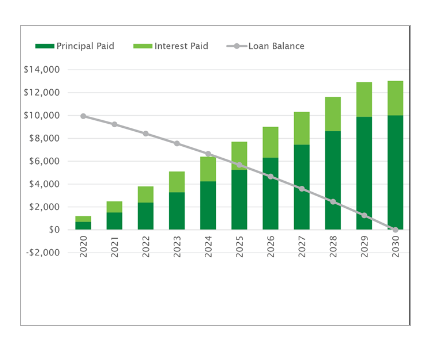
- use financial functions, to understand loan repayments, interest and principal
- consolidate the information from several sheets,
- understanding the grouping of data,
- use solver to explore possible outcomes depending on input variables.
Testimonial
— Samantha Galbin [“I want to start my own business.”]
Do you want to hear what students are saying about our online training courses? Click here See How it Works Enrol Now